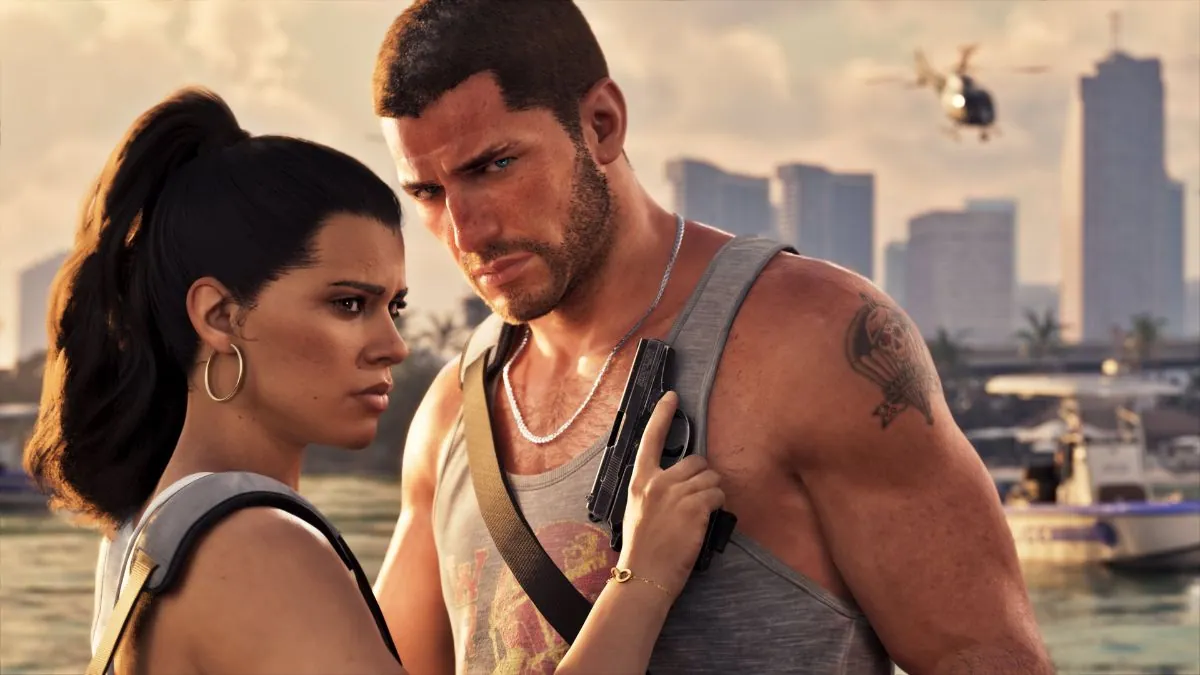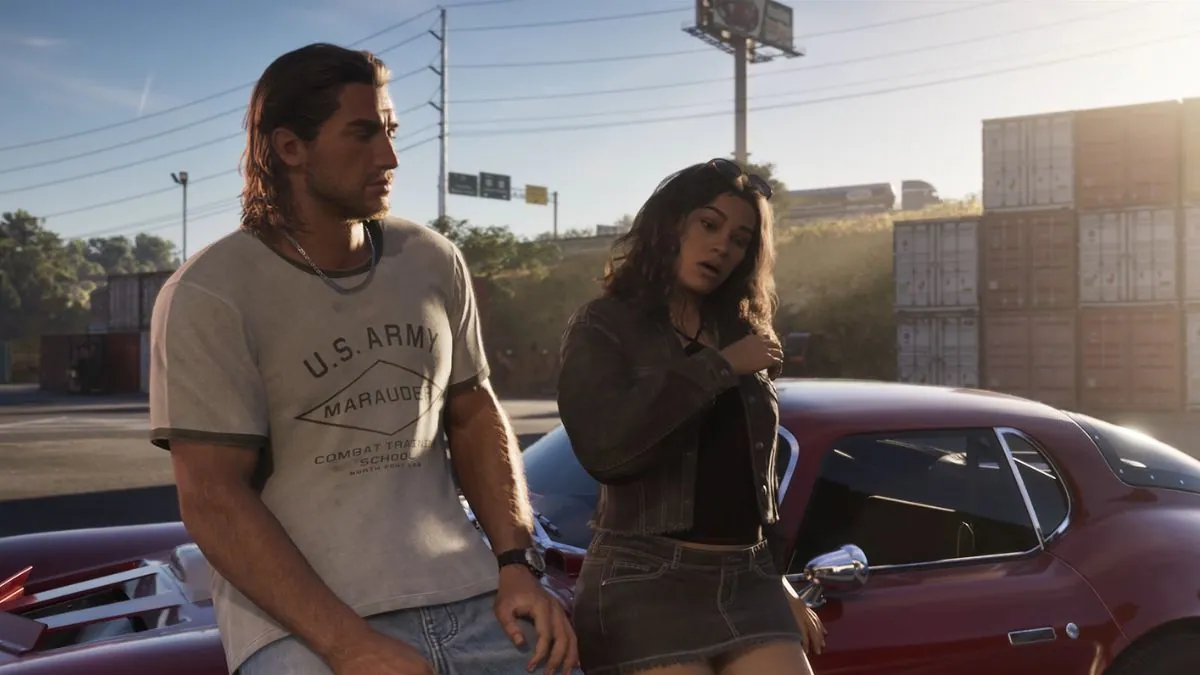
GTA 6 is getting closer to its release, and players can prepare their consoles before the game officially launches.
Rockstar Games has confirmed that GTA 6 preloading will begin on November 12, 2026, one week before its release on November 19.
This will allow players to download the game in advance and get ready to explore Vice City as soon as it becomes available.
Preloading is especially useful for players with slow internet connections. Instead of waiting for a large download to finish on launch day, they can install the game beforehand and save time.
However, players need to know how preloading works, where to find the download option, and whether they need to pre-order GTA 6 first.
This guide explains how to preload GTA 6 on PS5 and Xbox Series X|S, how much storage space to prepare, and what players should do before release day.
When Can You Preload GTA 6?
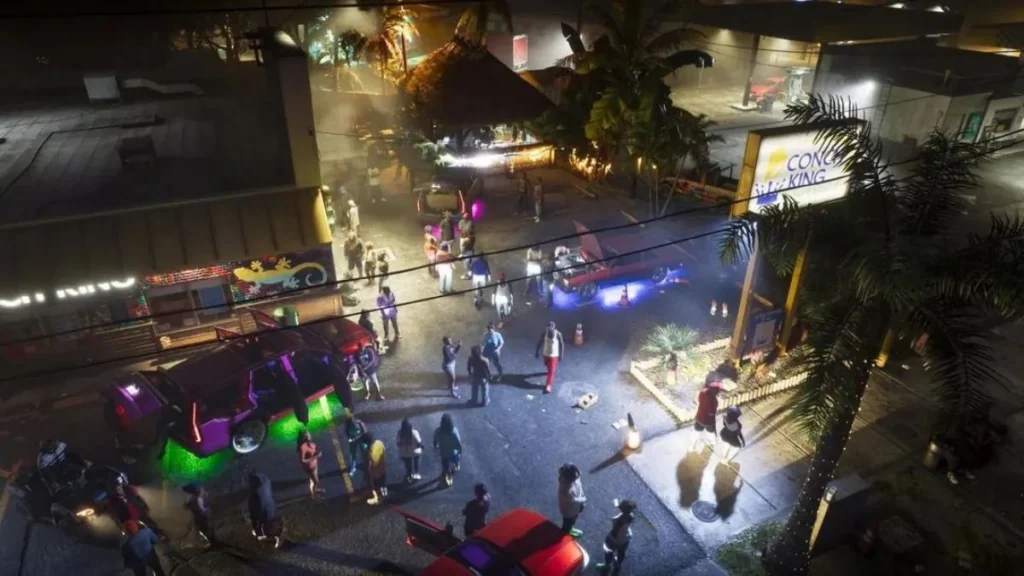
GTA 6 preloading begins on November 12, 2026, according to Rockstar Games. The game will officially launch on November 19 for PlayStation 5 and Xbox Series X|S.
Here are the important dates:
| GTA 6 Launch Detail | Date |
|---|---|
| Preload begins | November 12, 2026 |
| Official release date | November 19, 2026 |
| Confirmed launch platforms | PS5 and Xbox Series X|S |
| PC preload date | Not announced |
| Final download size | Not confirmed |
Players who purchase an eligible digital version can download the game before release day. Those who buy the physical boxed version can also preload it using the download code included in the box.
Rockstar has not confirmed the exact time when preloading will become available on each platform. Players should check their console’s store and game library on November 12 for the download option.
How to Preload GTA 6 on PS5?

PS5 players can download GTA 6 through the PlayStation Store after purchasing the digital version.
Once preloading becomes available, the game should appear in the console’s library or on its store page.
Follow these steps to preload GTA 6 on PS5.
Step 1: Pre-order GTA 6
Open the official GTA 6 PlayStation Store page and sign in to the PlayStation Network account you plan to use.
Choose the Standard Edition or Ultimate Edition and complete the purchase. Players who have already pre-ordered the game can skip this step.
Step 2: Open the PS5 Game Library
Turn on the console and go to the Games section. Open your Game Library and look for Grand Theft Auto VI.
If the game is not available to download yet, check again when the preload period begins on November 12.
Step 3: Check for the Download Option
Select GTA 6 and look for the download option. If preloading is available for your account, select it to begin downloading the game.
If the option does not appear immediately, check the PlayStation Store page and your library again later.
The download may not become available at the same time for every region.
Step 4: Let the Download Finish
Keep the PS5 connected to the internet until the download is complete. Players can also check the Downloads section to monitor progress.
Once the game has finished downloading, it will be ready for launch, but it will remain locked until the official release time.
Step 5: Enable Automatic Downloads if Needed
Players can check their PS5’s automatic download and rest mode settings to make downloading more convenient.
The console needs to remain connected to the internet, and the relevant settings must allow downloads while in rest mode.
Players who prefer to manage everything manually can simply start the download themselves.
How to Preload GTA 6 on Xbox Series X|S

Xbox players can preload GTA 6 through the Microsoft Store and their console’s game library. The process is similar to the one on PS5.
Step 1: Pre-order GTA 6 on Xbox
Visit the official GTA 6 Xbox Store page and sign in to your Microsoft account.
Choose the available edition and complete the purchase. If GTA 6 is already in your account’s purchase history, there is no need to buy it again.
Step 2: Open My Games & Apps
Turn on your Xbox Series X or Series S and open My Games & Apps.
Look for GTA 6 in your game library. If the game is not available to install yet, wait until preloading opens on November 12.
Step 3: Start the Preload
When the download option becomes available, select GTA 6 and begin the installation.
If the game does not appear in your library, check the Microsoft Store page and make sure you are signed in to the correct account.
Step 4: Check the Download Progress
Open the download queue to see how much of the game has been installed.
Keep your console connected to the internet and avoid interrupting the download unnecessarily.
Players with slower connections may want to begin as soon as the preload becomes available.
Step 5: Prepare Your Xbox for Launch Day
Players can check their Xbox power settings to make sure the console can receive downloads while in the appropriate standby mode.
Once the download is complete, GTA 6 will remain locked until the official release time. Preloading only prepares the game in advance; it does not grant early access.
Can You Preload GTA 6 Without Pre-Ordering?
Players who want to preload GTA 6 should make sure they have access to an eligible version of the game.
Rockstar has confirmed that digital pre-orders can be preloaded before launch. The company has also announced a physical boxed version that contains a download code instead of a traditional disc.
Players who purchase the digital version through the PlayStation Store or Xbox Store should be able to download it once preloading becomes available for their account.
Those who do not pre-order should check their platform’s store on November 12 to see whether the download option is available after purchasing the game.
Simply adding GTA 6 to a wishlist does not mean the game has been purchased or that the download will automatically begin.
How Much Storage Space Does GTA 6 Need?

Rockstar has not confirmed the final GTA 6 download size. As a result, players should be careful with online claims stating that the game will require a specific amount of storage.
GTA 6 is expected to feature a large open world, detailed locations, missions, vehicles, and other content. It is sensible to prepare extra storage space rather than wait until the preload begins to clear room on the console.
Players can prepare by checking their available storage before November 12.
On PS5, open Settings and go to Storage to see how much space is available. Players can remove games they no longer use or move supported games to compatible external storage.
On Xbox Series X|S, open Settings and check the Storage Devices section. From there, players can review installed games and remove titles they no longer need.
Keep in mind that the final installation may require additional space for updates or temporary installation files.
Since Rockstar has not provided a confirmed download size, it is best to wait for the official store listing before making major storage decisions.
How Long Will It Take to Download GTA 6?
The time needed to preload GTA 6 will depend on the game’s final download size and the player’s internet speed.
Players with faster connections will generally finish sooner, while those with slower connections may need several hours or longer.
The following examples show how download speed can affect the time required to download a hypothetical 150 GB game.
This is only an example to help players plan ahead; 150 GB is not a confirmed GTA 6 file size.
| Internet Speed | Approximate Time for 150 GB |
|---|---|
| 25 Mbps | 13 hours 20 minutes |
| 50 Mbps | 6 hours 40 minutes |
| 100 Mbps | 3 hours 20 minutes |
| 200 Mbps | 1 hour 40 minutes |
| 500 Mbps | 40 minutes |
Actual download times can be longer because of network traffic, Wi-Fi performance, server limits, and other downloads running at the same time.
Players who have slower internet connections should start the preload as soon as it becomes available rather than waiting until November 18.
Can You Play GTA 6 Immediately After Preloading?

No. Preloading GTA 6 does not allow players to play the game before its official release.
Even if the full game has been downloaded and installed, players must wait until Rockstar and the relevant platform unlock access.
For example, a player who finishes downloading GTA 6 on November 12 will still need to wait until the November 19 launch. The preload simply makes sure the game is already installed when release day arrives.
The exact unlock time may depend on the player’s region and platform. Players should check their own store listing closer to launch rather than rely on unconfirmed times shared online.
Can You Preload GTA 6 on PC?
There is currently no confirmed PC release date for GTA 6. Rockstar has announced the November 19 launch for PlayStation 5 and Xbox Series X|S, but it has not announced when the PC version will be available.
Because of this, there is no confirmed PC preload date or official PC installation process to follow.
PC players should wait for Rockstar to announce the Windows version before purchasing third-party download offers or following unofficial preload instructions.
A website claiming to offer the complete GTA 6 PC download before release should be treated with caution.
What Should You Do Before GTA 6 Launches?
There are several simple things players can do to make sure they are ready for November 19.
- Pre-order the game through the official store if you want to secure a digital copy in advance.
- Check your storage space before November 12 so you do not need to remove games at the last minute.
- Update your console and make sure it is working properly.
- Check your internet connection and avoid running unnecessary downloads during the preload.
- Keep an eye on the game library when preloading becomes available.
- Wait for the official launch time before expecting to play.
These steps can help players avoid common problems and make the most of the week between the preload date and release day.
Conclusion
Preloading GTA 6 is the best way to prepare for launch day without having to wait for the full download on November 19.
Rockstar has confirmed that preloading begins on November 12, 2026, for eligible versions of the game.
PS5 players can download the game through their PlayStation Store library, while Xbox players can use the Microsoft Store and My Games & Apps.
Both groups should check their available storage, prepare their internet connection, and look for the download option when the preload period begins.
The final download size and exact preload start time have not been confirmed, so players should keep an eye on official store listings for updates.
Once the game is downloaded, they will only need to wait for the official launch to begin exploring Vice City.