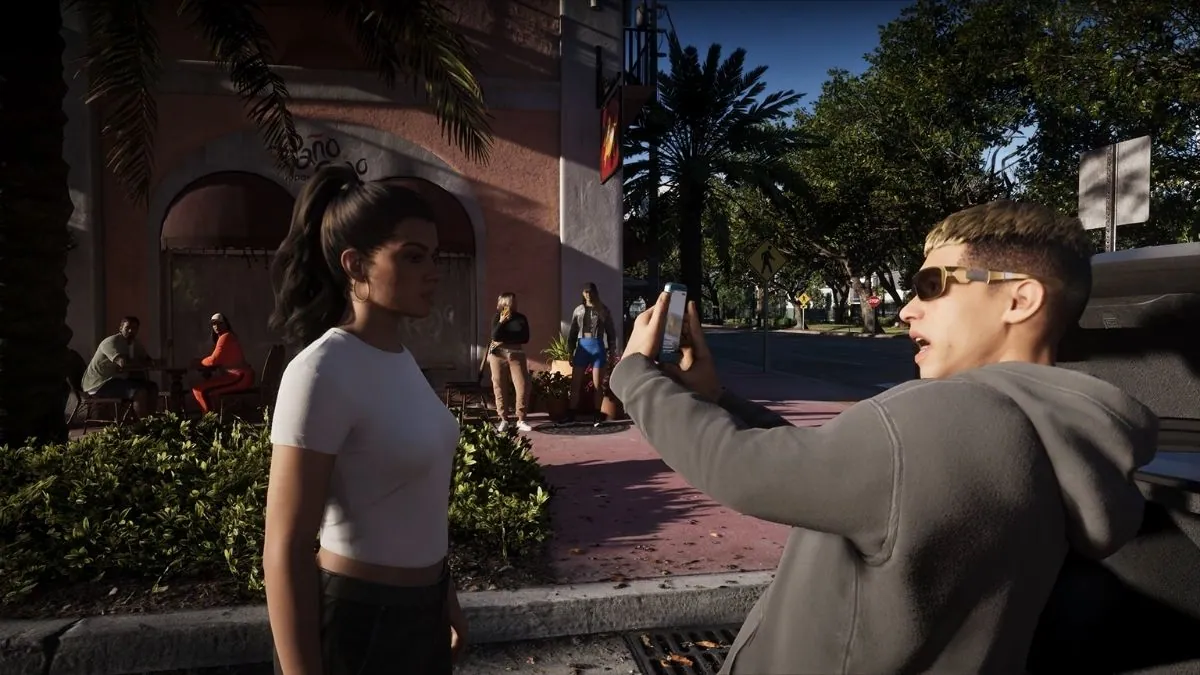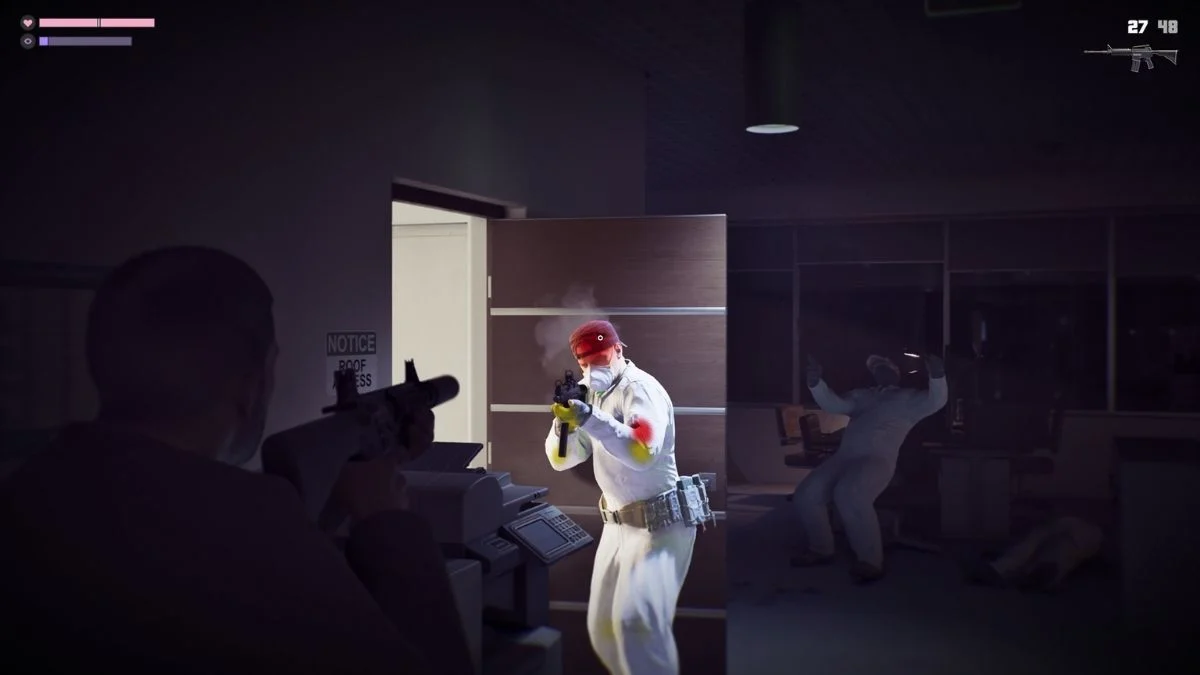
Saving your progress in GTA 6 will be important if you want to continue your adventure without losing your progress. Whether Jason and Lucia have completed a mission, explored a new area, or taken part in a dangerous job, knowing how the save system works will help you pick up where you left off.
However, Rockstar Games has not yet shared the complete details of the GTA 6 save system. The game is scheduled to launch on November 19, 2026, for PlayStation 5 and Xbox Series X|S, but the exact save controls and options have not been officially explained.
Previous Grand Theft Auto games offer some clues about what players might expect. GTA 5, for example, includes manual saving and autosave features. GTA 6 may offer similar options, but players will need to wait for official confirmation.
Here’s everything you should know about saving your game in GTA 6, including manual saves, autosave, safehouses, and cloud storage.
How to Save Your Game in GTA 6

The exact steps for saving your game in GTA 6 have not been confirmed by Rockstar Games. However, you can check a few places when the game becomes available.
Once you start playing, look for a save option in the pause menu. If manual saving is available, the game should explain how to save your current progress.
Here are some possible options to check:
- Pause menu: Look for a Save Game option or a similar setting.
- Safehouses: Check whether beds or other interactive objects allow you to save.
- Autosave: Watch for a save indicator after missions or important activities.
- Game settings: Check whether the game offers options related to saving and loading progress.
These are suggestions based on save systems in previous games, not confirmed GTA 6 instructions. Avoid relying on specific button combinations until Rockstar provides the final controls.
Will GTA 6 Have Autosave?

GTA 6 may include autosave, but Rockstar has not officially confirmed how it will work.
In GTA 5, autosave can record progress at certain points during the game. This makes it easier to continue playing without manually saving every time you complete a mission or reach an important moment.
If GTA 6 follows a similar system, it could automatically save after missions or other key activities. However, the exact triggers and frequency of autosaves remain unknown.
Players should also avoid assuming that every action will be saved immediately. If the game displays a save indicator, wait for the process to finish before closing the game.
Even if autosave is available, a manual save option would be useful for players who want more control over their progress.
Can You Manually Save in GTA 6?
Manual saving lets you record your progress whenever the game allows it, rather than relying only on automatic saves.
Previous Rockstar games have offered different ways to save manually. In GTA 5, players can use safehouses and the in-game phone’s quick-save feature. Red Dead Redemption 2 also includes manual saving through its pause menu, subject to certain restrictions.
GTA 6 could offer similar options, allowing players to save before starting a difficult mission or trying something risky. However, Rockstar has not confirmed whether GTA 6 will include manual saving, how many save slots will be available, or which controls players will need to use.
Once the game launches, check the pause menu and any on-screen instructions to learn which saving options are available.
Can You Save Your Game at Jason and Lucia’s Safehouses?

Safehouses have been an important part of previous Grand Theft Auto games. In GTA 5, players can use beds at certain properties to save their progress, and properties also provide places to return between missions.
GTA 6 features locations and properties connected to Jason and Lucia. However, Rockstar has not confirmed whether all safehouses will allow players to save manually or whether the system will work differently.
If safehouse saving returns, it could offer a convenient way to save before ending a gaming session. Safehouses may also serve other purposes, depending on the features included in the final game.
For now, saving at Jason and Lucia’s safehouses remains unconfirmed. Players will need to explore the available options after launch.
How to Avoid Losing Progress in GTA 6

Until Rockstar explains the full save system, you can follow a few simple habits to help protect your progress.
- Check for save indicators: If a save icon appears, wait for it to disappear before closing the game.
- Use manual saves when available: Save after completing important activities if the game offers this option.
- Give the game time to save: Avoid immediately shutting down your console while a save is in progress.
- Check the pause menu: Look through the available options to understand how saving and loading work.
- Check your cloud save settings: If your platform supports cloud storage, make sure you understand how it syncs your progress.
- Be careful when switching consoles: Do not assume your saved progress will transfer automatically between different platforms.
These tips apply to many modern games, but the exact saving process in GTA 6 will depend on Rockstar’s final implementation.
Will GTA 6 Support Cloud Saves?

Cloud saves allow compatible games to store saved data online, making it easier to recover progress or access it on another supported console using the same account.
On PlayStation, cloud storage for saved game data is generally linked to PlayStation Plus membership. Xbox also offers cloud save functionality for supported games. However, the exact requirements and behavior for GTA 6 should be checked through the relevant platform’s official support information.
Cloud saves can be helpful if you change consoles or need to recover your progress. However, cloud saving is not the same as transferring a save between PlayStation and Xbox. Cross-platform save transfers are a separate feature, and Rockstar has not confirmed that GTA 6 will support them.
For official updates, visit the Rockstar Games GTA 6 support page.
Conclusion
The exact method for saving your game in GTA 6 has not yet been confirmed by Rockstar Games. Manual saves, autosave, and safehouse saving are all possibilities based on previous games, but players should not treat them as confirmed features until Rockstar shares more details.
When the game launches, check the pause menu for saving options, follow any on-screen instructions, and wait for a save indicator to finish before exiting.
If cloud saves are supported, review your console’s settings to understand how your progress is backed up.
GTA 6 is scheduled to release on November 19, 2026, for PlayStation 5 and Xbox Series X|S.
Until Rockstar reveals more about the save system, the safest approach is to follow the instructions provided in the released game.