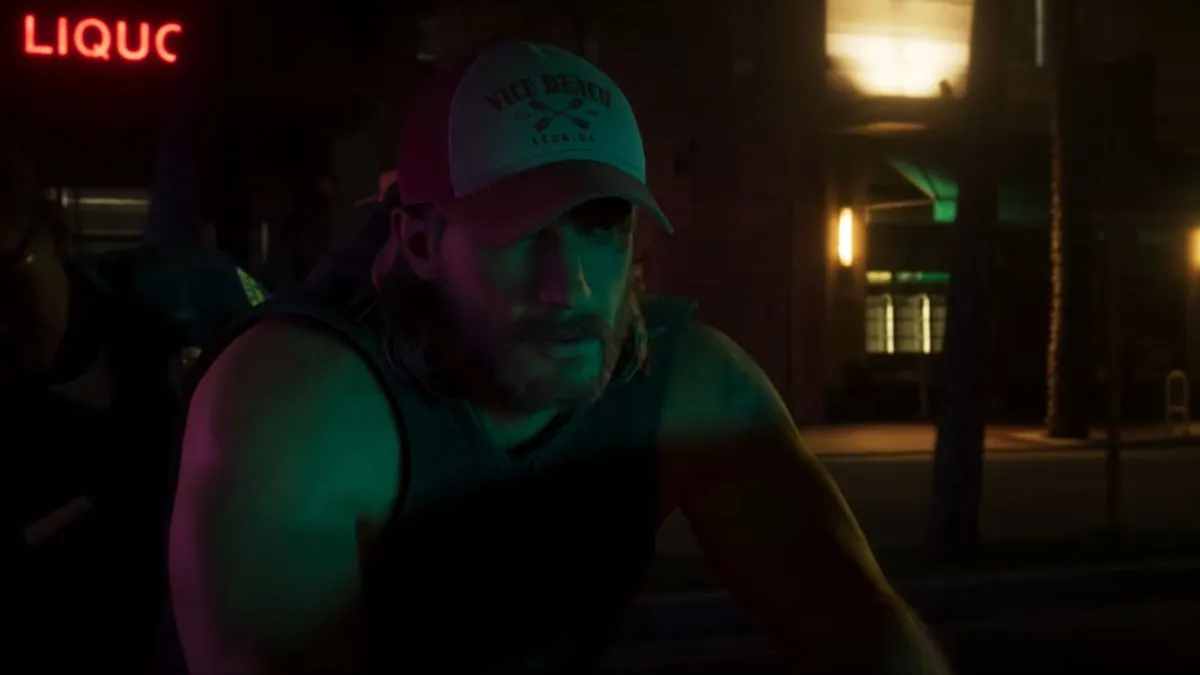
If you enjoyed creating your own scenes and recording cinematic clips in GTA 5’s Director Mode, you might be wondering whether Rockstar has brought the feature back in GTA 6.
Unfortunately, GTA 6 does not have Director Mode, so you can’t freely control different characters, manipulate the game world, or stage custom scenes the same way you could in GTA 5.
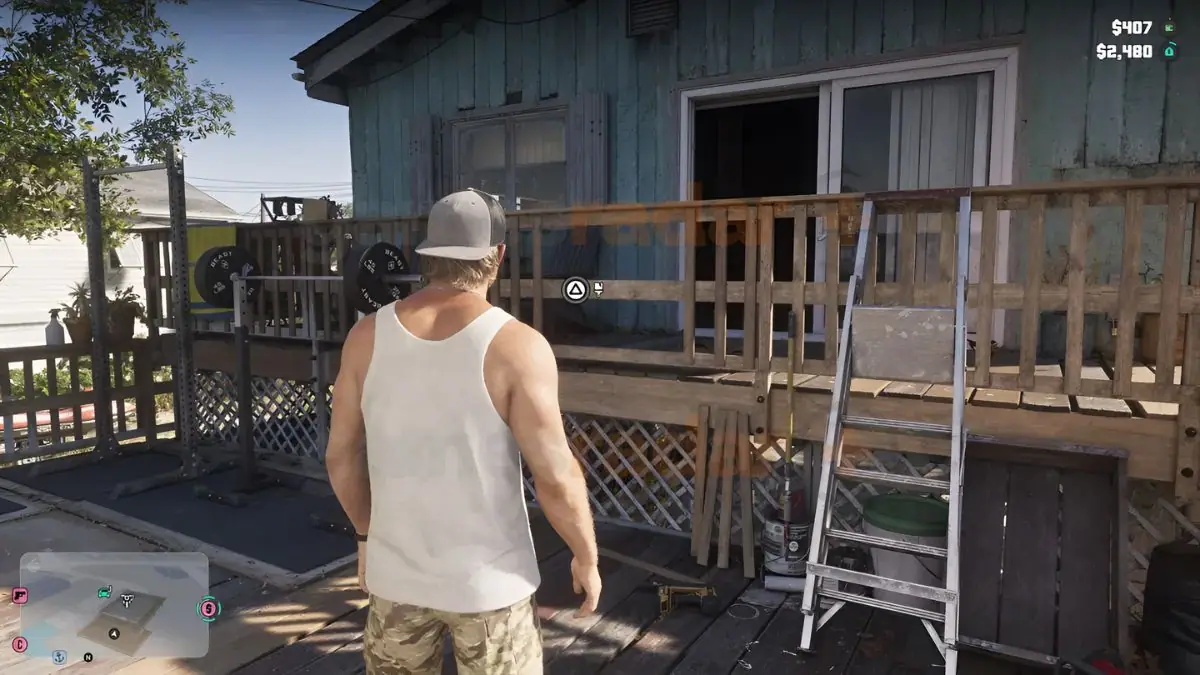
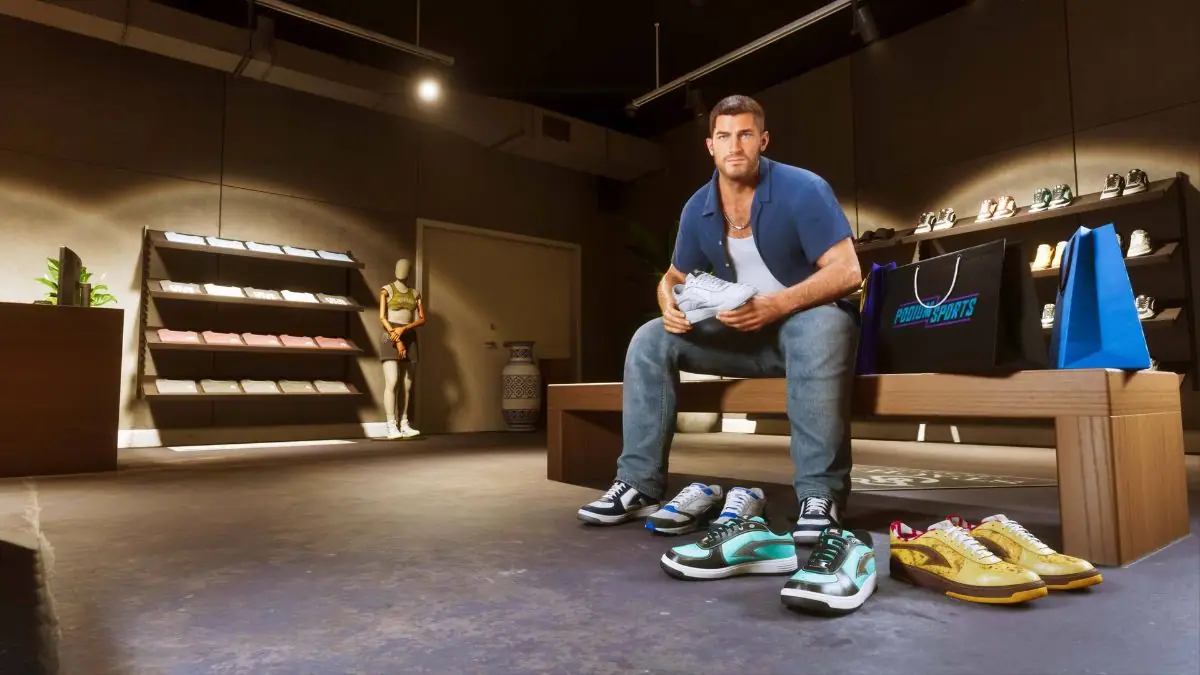
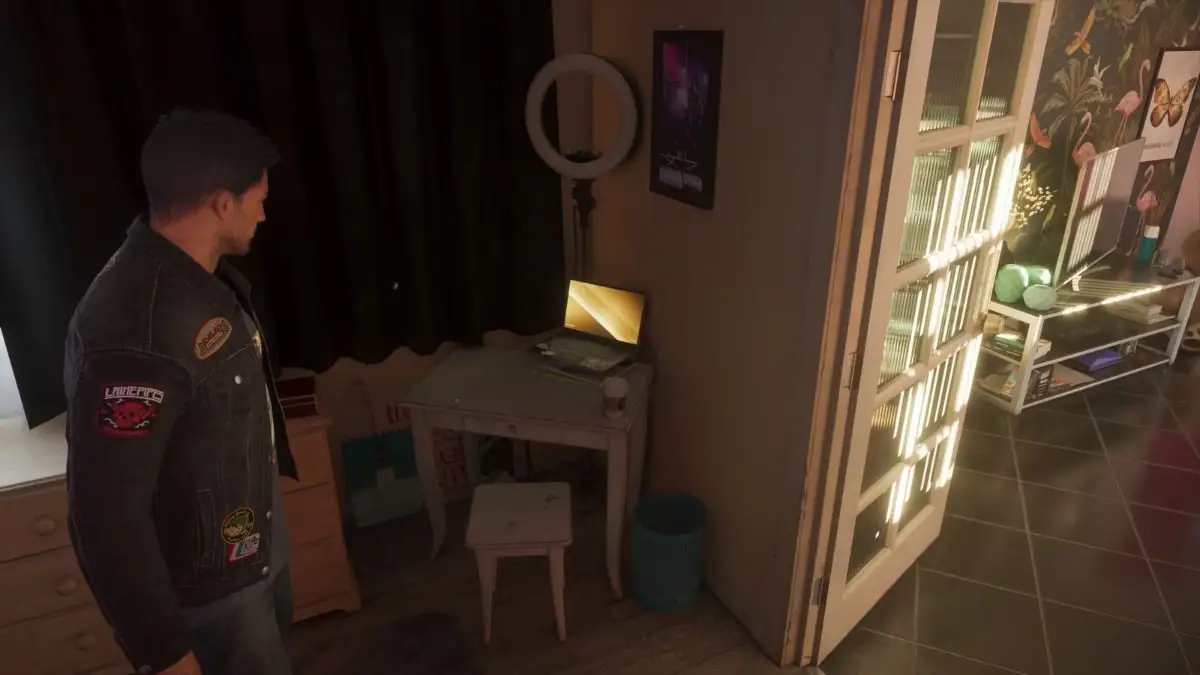
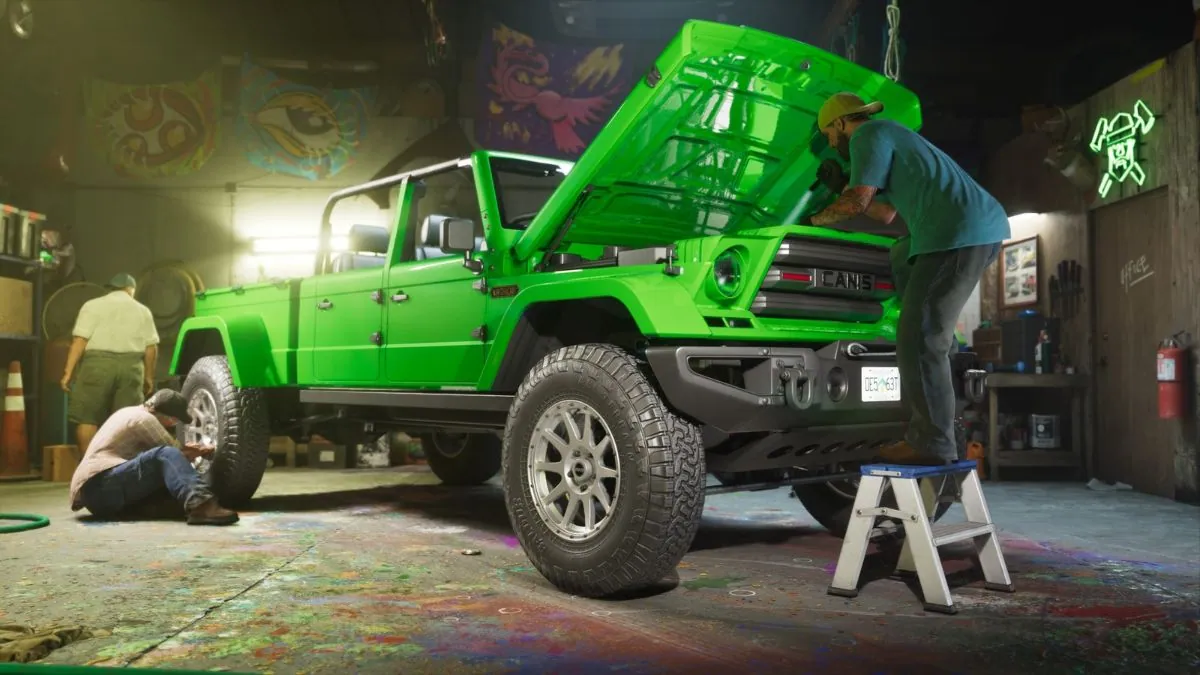
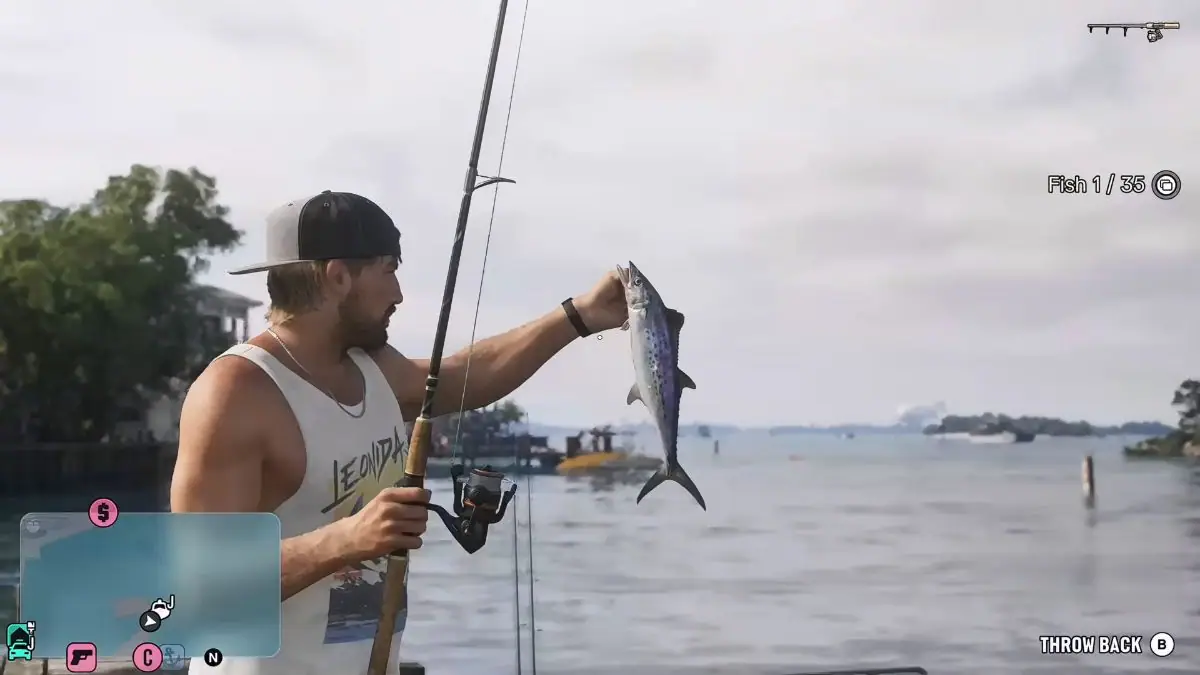
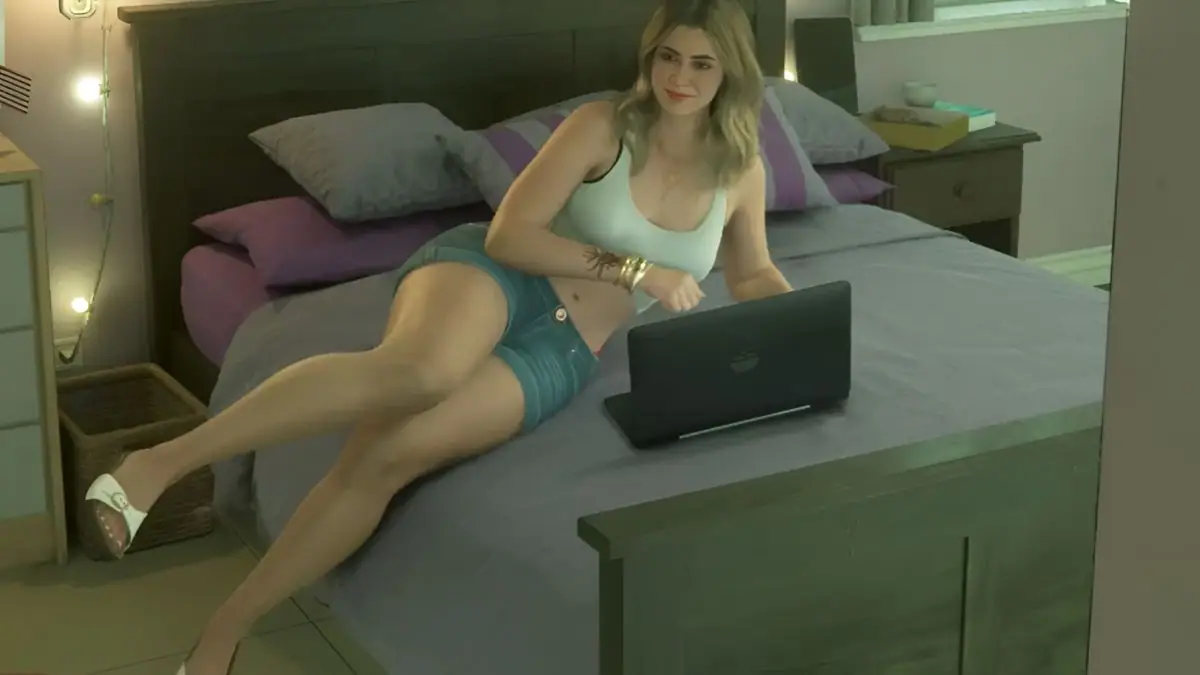
However, GTA 6 does offer a Photo Studio mode, which gives you plenty of creative freedom to capture cinematic screenshots, experiment with camera angles, and create some impressive shots around Leonida.
What Is Director Mode in GTA 5?
Director Mode in GTA 5 is a creative sandbox feature that lets you take control of different characters and create your own scenes without following the normal story or gameplay restrictions.
You can choose characters from 17 different categories, including animals and various NPCs, and experiment with different world settings.
This includes changing the weather, adjusting pedestrian activity, and modifying certain gameplay effects, such as explosive bullets.
It essentially turns GTA 5 into a playground where you can create your own scenarios, record clips, and experiment with the game world.
Unfortunately, this feature hasn’t made its way into GTA 6, at least for now.
What Is Photo Studio in GTA 6?
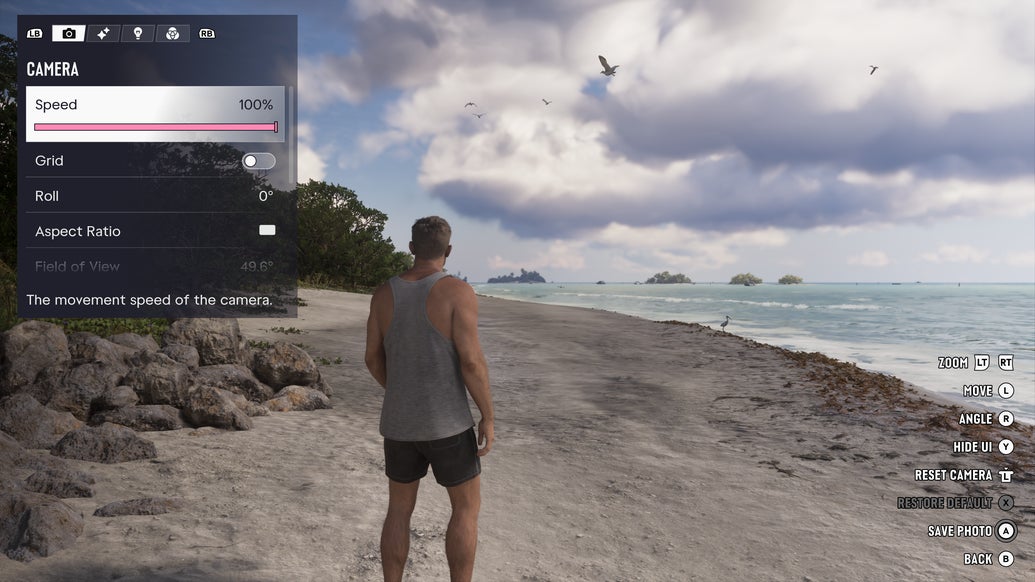
Although it isn’t a replacement for Director Mode, Photo Studio is GTA 6’s built-in photo mode and gives you a way to capture memorable moments throughout the game.
You can access it by pausing the game and pressing Square on PS5 or X on Xbox to open the Photo Studio interface.
Once inside, you can move and adjust the camera to frame your shot however you like.
There are several settings to experiment with, allowing you to turn an ordinary moment into something much more cinematic.
Some of the available customization options include:
- Camera positioning: Adjust the camera angle and position to capture your preferred perspective.
- Zoom: Get closer to your subject or capture a wider view of the surroundings.
- Exposure and contrast: Adjust the lighting and overall appearance of your image.
- Filters and effects: Apply different visual styles using filters, overlays, and vignette effects.
- Aspect ratio: Change the framing to create a cinematic-looking screenshot.
- Character visibility: Remove your character from the shot when you want to focus entirely on the scenery.
With these tools, you can capture everything from dramatic sunset shots and street scenes to action moments, vehicle photos, and landscapes around Leonida.
Will Director Mode Come to GTA 6 in the Future?
Rockstar hasn’t confirmed whether Director Mode will be added to GTA 6 in a future update.
For now, there is no way to freely spawn characters, manipulate the world, or create custom scenes like you could in GTA 5.
If you’re looking for a creative way to capture gameplay, Photo Studio is currently your best option.
It doesn’t offer the same freedom as Director Mode, but its camera controls and visual adjustments give you plenty of room to experiment and capture some incredible moments in GTA 6.