The phone in GTA 6 is more than just a way for Jason Duval and Lucia Caminos to contact other characters. Based on Rockstar Games’ extended gameplay preview, it will also help players explore Leonida, check social media, and use helpful features while playing.
The August 2026 extended look revealed several details about the in-game smartphone, including its app interface and some of the features available to players.
Unlike GTA 5, where the phone appears as an interface on the screen, GTA 6 shows characters physically taking out and using their phones.
However, Rockstar has not published a complete guide explaining every app or the exact buttons needed to open the phone.
Here’s how the GTA 6 phone system is expected to work, which apps have been shown, and what players should know before launch.
How to Open the Phone in GTA 6?
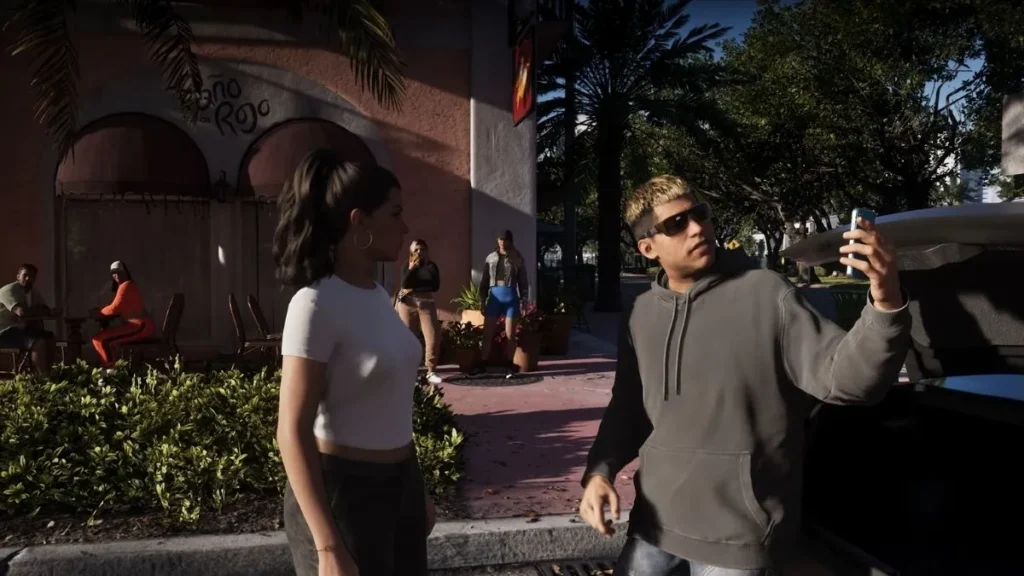
Rockstar Games has not officially confirmed the exact button for opening the phone in GTA 6 on PlayStation 5 or Xbox Series X|S.
In GTA 5, players could open the phone using a dedicated controller button. GTA 6 features a more detailed phone interface, but the exact controls may be different.
Once the game launches, check the control settings to find the phone button. You can then use the on-screen instructions to navigate its menus and select the available apps.
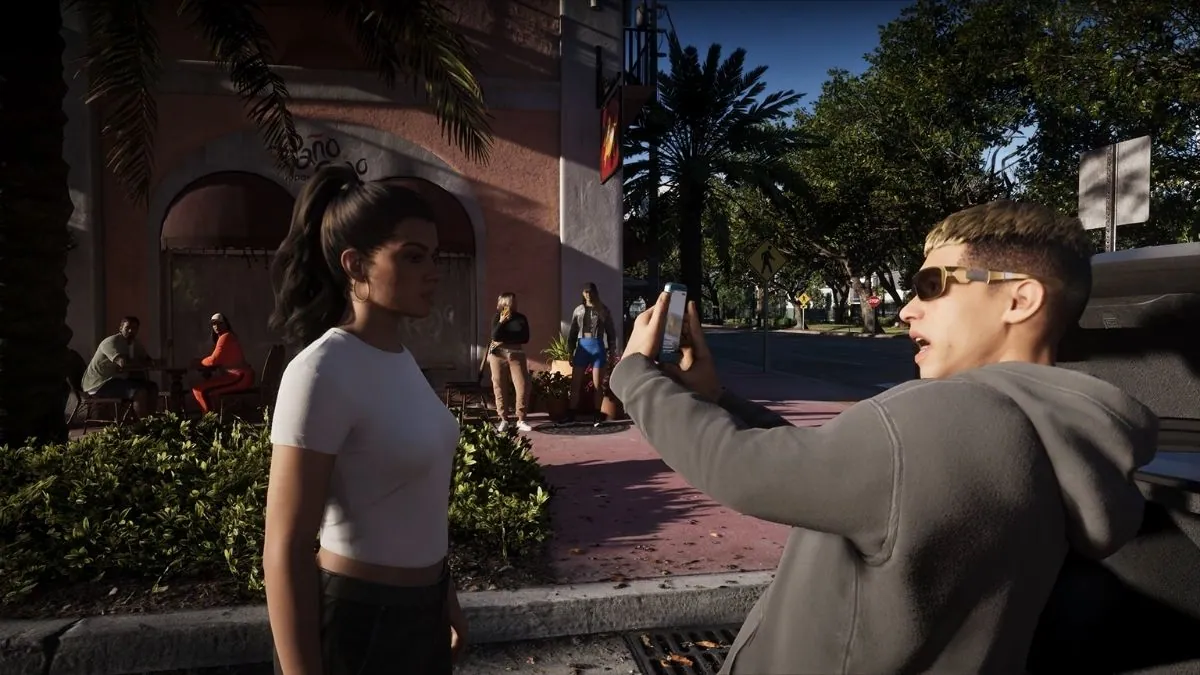
One important change is how the phone appears during gameplay. In footage from Rockstar’s extended preview, Jason and Lucia physically take out their smartphones, and the camera moves closer to show the screen.
This makes using the phone feel more connected to the game world instead of simply opening a menu over the action.
The exact phone button remains unconfirmed, so avoid relying on specific controller combinations until the final controls are available.
What Can You Do With the Phone in GTA 6?

The phone has several uses beyond contacting other characters. Rockstar’s extended preview and reports from gaming outlets have revealed multiple apps with different purposes.
These include social media, vehicle information, and a service that lets players arrange rides.
The phone apps shown or reported so far include:
- Snapmatic: Browse an in-game social feed and follow content from different people.
- WAINK: Check information about a vehicle before attempting to steal it.
- Ryde Me: Arrange a ride instead of driving yourself.
- WhatUp!: A messaging app shown in preview coverage, including conversations and group chats.
- Fitness app: Preview reporting has described a feature that tracks sleep and connects it to character recovery.
This is not necessarily the complete list of apps in GTA 6. Some details come from gameplay previews and media reports rather than a full official feature list, so names and functions may still change.
How Does Snapmatic Work in GTA 6?

Snapmatic is the in-game social media feature shown in GTA 6. It builds on the series’ use of fictional social networks to reflect modern internet culture.
The extended gameplay preview showed a social feed that players can browse. Reports from journalists who saw the preview also describe the ability to follow people and view their posts.
The feed can help make Leonida feel like a living place, with people sharing videos, photos, and updates about what’s happening around them.
Some social content may also provide clues about characters and events in the world. This means the phone could offer more than entertainment while exploring Vice City.
However, the available preview information indicates that browsing the feed is different from posting your own content.
Players should not assume that every feature of a real-world social media app will be available.
What Is the WAINK App in GTA 6?

WAINK is one of the more interesting apps shown in GTA 6 because it connects directly to vehicle theft.
Preview reporting describes WAINK as a tool that helps players check information about parked vehicles before stealing them.
The app can reveal useful details, including a vehicle’s security features and its potential value. This could help players decide which vehicles are worth targeting and understand what may be involved in taking them.
For players who enjoy stealing and selling vehicles, WAINK could make vehicle theft more detailed than simply taking a car and driving away.
The exact process and all the information the app can display should be checked in the released game. Rockstar has not published a complete technical guide to the feature.
Can You Use Ryde Me for Fast Travel in GTA 6?
Ryde Me is a ride-hailing app shown in GTA 6 preview material. It offers another way to travel around Leonida without driving a vehicle yourself.
The feature is similar to real-world ride-hailing services. Instead of taking control of a car, players can arrange a ride and let someone else handle the driving.
This could be useful when you want to reach a destination without spending time driving across the map. It may also give you a chance to enjoy the scenery or focus on other parts of the game.
However, Ryde Me should not automatically be treated as a traditional fast-travel menu. Its exact restrictions, travel options, and availability need to be confirmed through the final game.
Can You Send Messages and Call Characters in GTA 6?
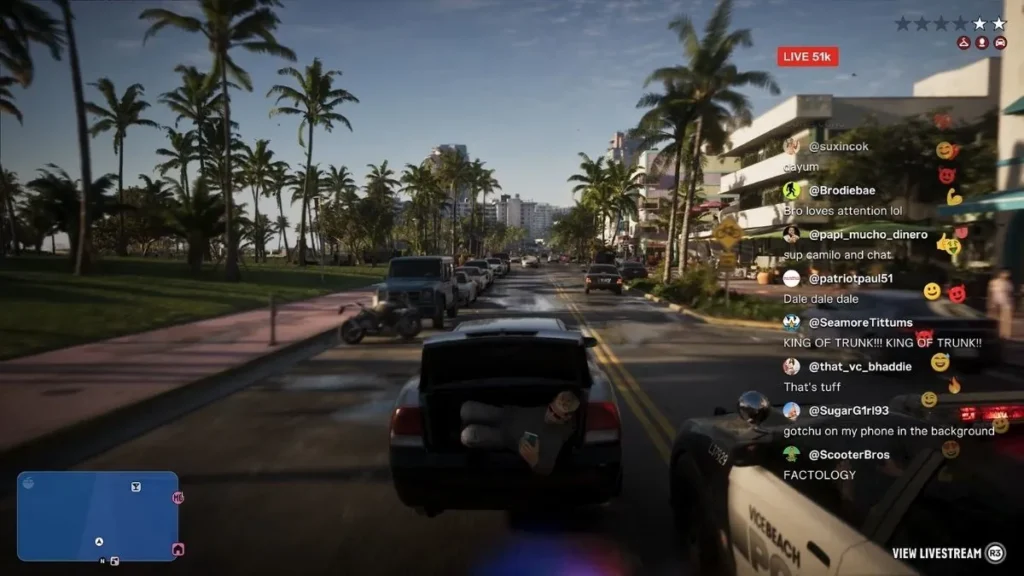
Messaging is another part of the phone system shown in GTA 6 preview coverage.
The reported WhatUp! app includes conversations and group chats, giving characters a way to communicate through their phones. Messages can help show relationships and provide context for events happening in the story.
Because Jason and Lucia are the two main protagonists, their communication may also help connect different parts of the story.
However, Rockstar has not released a complete list of contacts or explained every calling and messaging option. The available features may depend on story progress or the character you are controlling.
Players will need to explore the phone after launch to see which conversations they can start themselves and which appear automatically during the story.
Does the Phone Have a Fitness App?

Preview reporting has also described a fitness app that tracks how much Jason and Lucia sleep.
According to coverage of the extended gameplay preview, sleep can affect how the characters recover certain attributes. This connects the phone to the wider character systems rather than making it only a communication tool.
If this feature works as reported, players may have another way to keep track of their characters’ condition and understand the importance of rest.
However, the full fitness app interface and all its functions have not been explained in a complete official guide. Players should wait for the released game to confirm exactly how the feature works.
Can You Use the Phone While Driving in GTA 6?
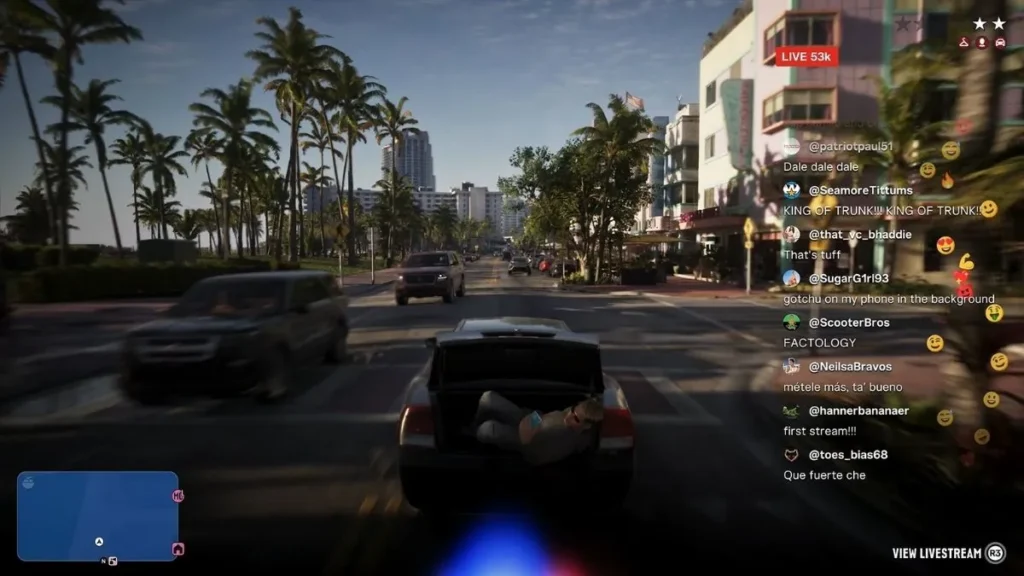
Rockstar’s preview footage shows smartphones being used in different situations, including scenes involving vehicles. However, this does not confirm that every phone feature will be available while driving.
Some actions may be possible while a character is moving, while others could require the player to stop or enter a different gameplay state.
Ryde Me may also provide an alternative when you want to travel without controlling a vehicle yourself.
The exact restrictions on phone use during driving, missions, and other activities have not been fully confirmed. Check the in-game instructions to learn which actions are available in each situation.
Conclusion
The phone in GTA 6 looks set to play a bigger role than simply calling characters. Rockstar’s extended gameplay preview and reporting from gaming outlets have revealed apps for social media, vehicle information, ride-hailing, messaging, and character fitness.
Snapmatic lets players browse an in-game social feed, WAINK provides useful vehicle information, and Ryde Me offers a way to arrange a ride. Other reported features include messaging and sleep tracking.
The exact button for opening the phone on PS5 and Xbox Series X|S has not been officially confirmed, and the full list of apps may include features that have not yet been revealed.
GTA 6 is scheduled to launch on November 19, 2026, for PlayStation 5 and Xbox Series X|S. Once the game is available, players can explore the phone themselves and discover how its different apps fit into life in Leonida.