Getting stuck on a difficult mission in GTA 6 can be frustrating, especially when you’re forced to repeat the same shootout, chase, or objective over and over.
Fortunately, GTA 6 gives you a way to skip certain parts of missions when you’re struggling.
However, there is a catch. You cannot skip an entire story mission in GTA 6.
Instead, the game lets you skip individual checkpoints after failing an objective, helping you get past difficult sections without restarting the whole mission.
How to Skip a Checkpoint in GTA 6
When you fail a mission objective, you’ll see the pink FAILED screen with three options.
This is where you can choose to retry the checkpoint, skip it, or restart the entire mission.
The available options on PS5 are:
| Input | Action |
|---|---|
| X (Cross) | Retry Checkpoint |
| Square | Skip Checkpoint |
| Triangle | Restart Mission |
On Xbox Series X|S, the controls are:
| Input | Action |
|---|---|
| A | Retry Checkpoint |
| X | Skip Checkpoint |
| Y | Restart Mission |
If you’re struggling with a particular section, select Skip Checkpoint to move past that part and continue the mission from the next checkpoint.
Keep in mind that this won’t automatically complete the entire mission for you.
Some missions contain multiple difficult sections, so you may need to fail and skip more than one checkpoint before reaching the end.
Can You Skip a Mission Without Failing?
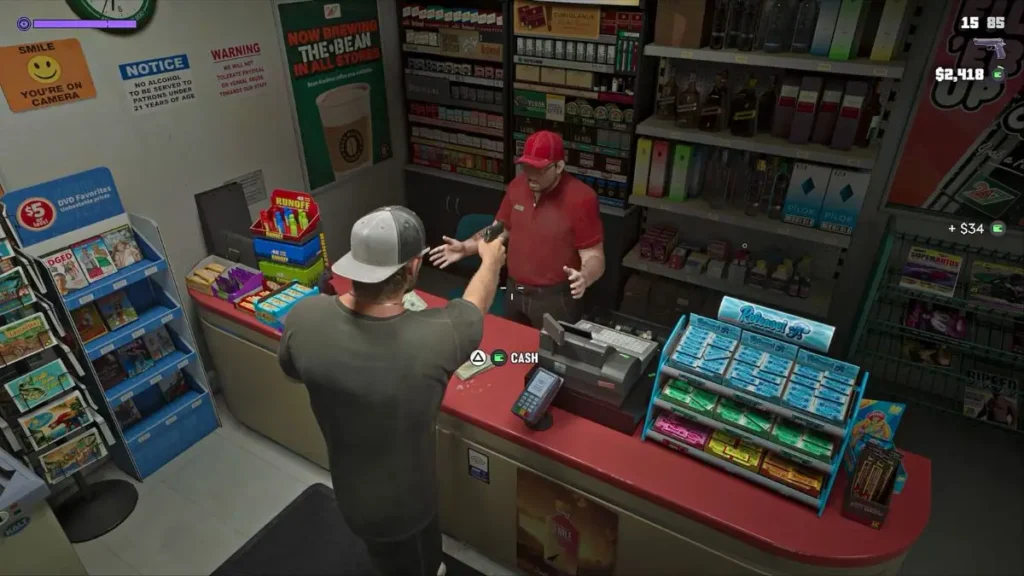
No, you cannot skip a mission checkpoint whenever you want. The Skip Checkpoint option only becomes available after you fail the current objective and reach the mission failed screen.
If you simply want to retry a section without deliberately failing, you can do that through the pause menu.
Here’s how:
- Press Options on PS5 or the Menu button on Xbox to open the pause menu.
- Find the current mission panel on the right side of the screen.
- Select Retry Checkpoint.
- Confirm your selection to reload the last checkpoint.
If you’d rather start the mission over from the beginning, select Restart Mission instead.
Can You Skip Cutscenes in GTA 6?
Yes, you can skip cinematic cutscenes in GTA 6 if you don’t want to watch them.
- PS5: Press and hold X (Cross).
- Xbox Series X|S: Press and hold A.
Keep holding the button until the cutscene finishes skipping and gameplay resumes. A quick tap may not trigger the skip.
Just be careful when skipping story scenes.
GTA 6 doesn’t have a dedicated cutscene replay viewer, so if you skip an important scene and want to watch it again, you’ll need to load a save from before that moment.
Can You Replay Completed Missions in GTA 6?
Unfortunately, GTA 6 doesn’t currently have a dedicated mission replay feature that lets you select completed story missions from a menu and play them again.
If you want to replay a mission, the best workaround is to create a manual save before starting it.
You can then load that save whenever you want to experience the mission again.
However, loading an older save will roll back your progress to the point when that save was created, so make sure you don’t overwrite your main save.
All Mission Skip Options in GTA 6
| Feature | Available? | How It Works |
|---|---|---|
| Skip an entire story mission | No | No full mission skip option |
| Skip a checkpoint | Yes | Fail an objective and select Skip Checkpoint |
| Retry a checkpoint | Yes | Use the mission failed screen or pause menu |
| Restart a mission | Yes | Select Restart Mission |
| Skip cutscenes | Yes | Hold X on PS5 or A on Xbox |
| Replay completed missions | No | Load a manual save from before the mission |
While GTA 6 doesn’t let you skip entire story missions, its checkpoint skip system can make difficult sections much easier to get through.
If you’re stuck on a particularly frustrating encounter, failing once and using Skip Checkpoint can save you from repeating the same challenge over and over again.